SASSA SRD Approved but No Pay Date? What It Means and How to Fix It
Published 22 October 2026
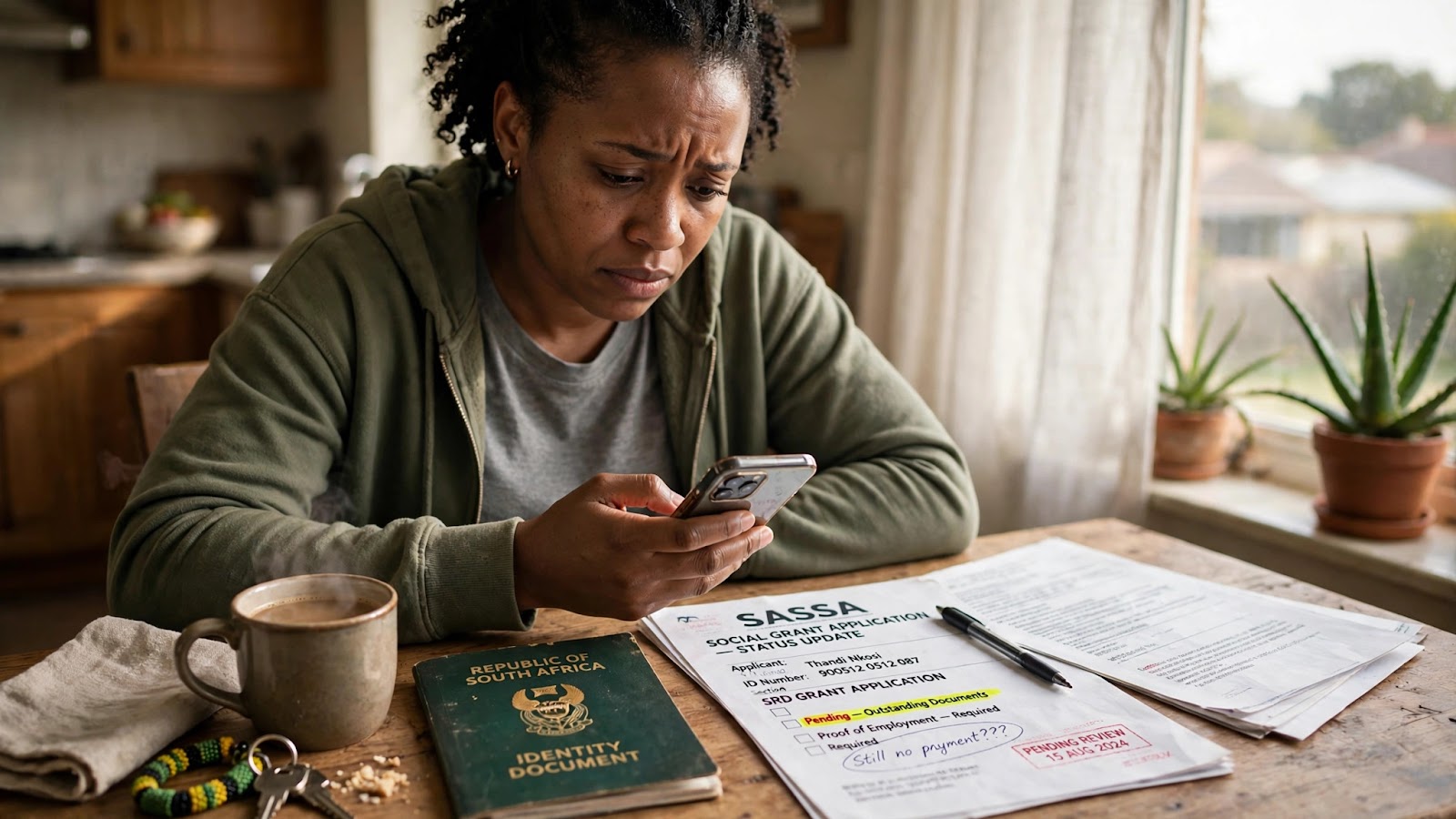
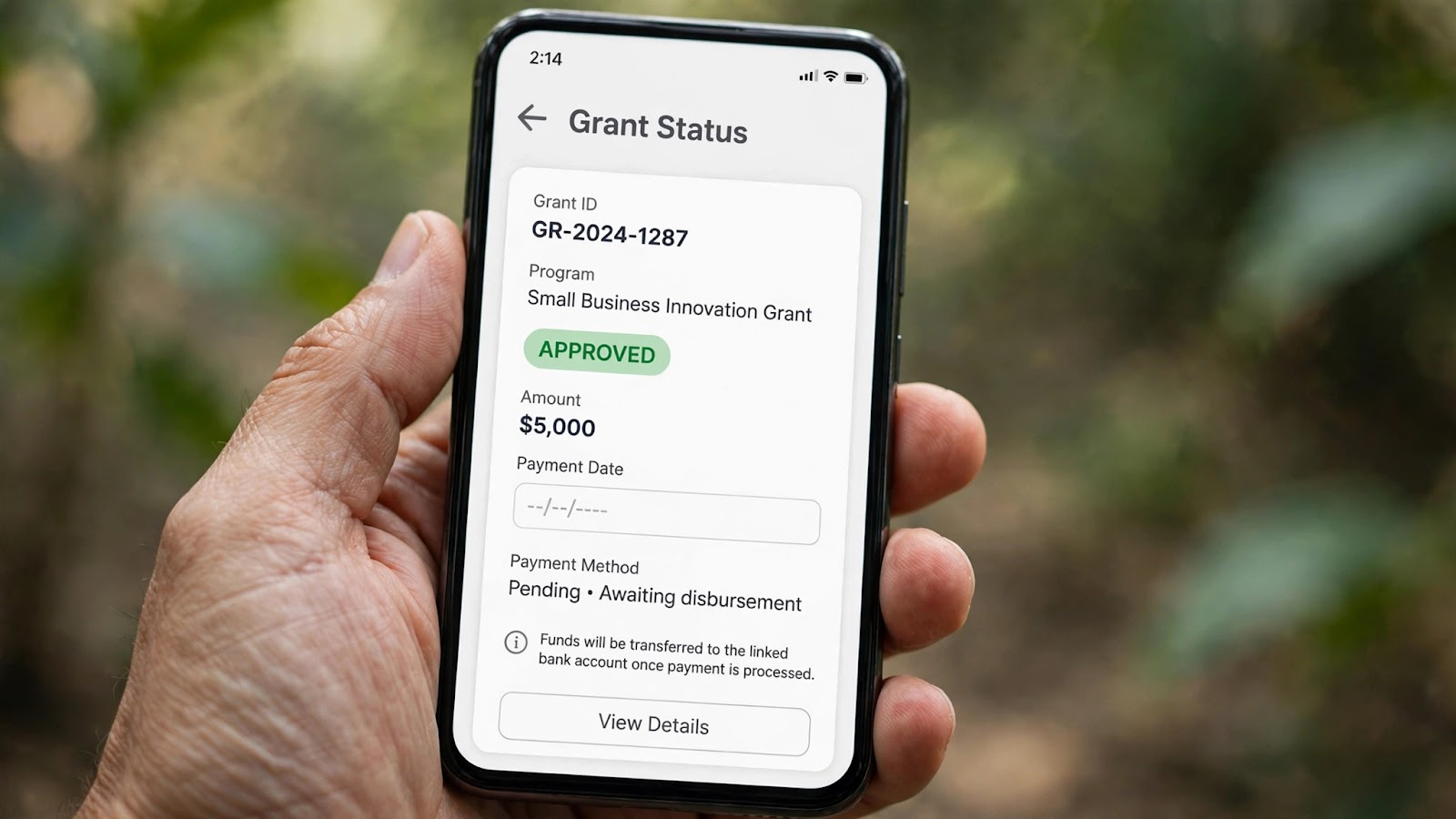
Your SRD status says approved but no pay date is showing next to the month. No date, no money, and no clear reason why. This is a very common SRD problem, and it causes a lot of panic. The good news is that an approved status is a good sign. Your money is not lost. In most cases, SASSA has approved your grant for that month, but your payment has not been scheduled yet, or one small detail still needs to be fixed before the money can move.
This guide explains what "approved but no pay date" really means, how long you should wait, and the exact steps to fix the problems that block a pay date from appearing.
The short answer
Approved and paid are two different steps at SASSA.
Approved means you passed the checks for that month and qualify for the R370 payment.
A pay date means your payment has been scheduled and the money is on its way to your bank account.
Between those two steps, SASSA still has to verify your banking details and place you in a payment run. If anything in that chain is unfinished, your status shows approved, but the pay date field stays empty: you passed, but the payment is not ready yet.
Why your pay date is not showing
There are four common reasons. Read them carefully, because each one has a different fix.
1. SRD pay dates are personal - there is no single payday for everyone
This is the reason most people miss. The permanent grants, like the Older Persons Grant, have fixed dates each month. SRD does not work like that. There is no official SRD calendar that says everyone gets paid on one day.
Your pay date is worked out for you alone, after your month is approved and your bank account is verified. It appears on your own status result when it is ready. This is why your neighbour can have a date while yours is still blank, even if you were both approved. You are simply in a different place in the payment queue.
2. Your bank account is still being verified
SASSA pays SRD into a bank account that is in your own name. Before the first payment, and whenever you change your details, the bank must confirm that the account belongs to you. While that check is running, your status can show approved with no pay date. If the account name does not match your ID, or the account is closed or inactive, the verification fails quietly and no pay date is created at all.
3. Your identity check is not finished
SASSA checks your ID against Home Affairs records, and some applicants are asked to complete an extra identity verification step. If that step is outstanding, your grant can be approved but held back from payment. The request appears on your status page, so read every message on it, not only the approved stamp.
4. The month was approved late
SRD is checked and paid month by month, in arrears. If your approval came through late in the cycle, your pay date may only be created in the next payment run. The money is still yours - it arrives later, not never.
How to check your pay date the right way
Many people check their status on the wrong website, see old information, and panic for no reason. Do it properly, step by step:
- Go to the official SRD website: srd.sassa.gov.za. Do not use look-alike sites that ask for your details.
- Choose the status check option and enter your South African ID number and the cellphone number you used when you applied.
- Open the month you are worried about. Read the full result for that month, not just the headline.
- Look for the pay date field. If a date is there, that is your date. If the field is empty, check the messages under the month for words like bank details pending or identity verification.
- If there is no message and only an approval, your payment is most likely still being scheduled. Wait a few days and check again.
If you want the full walkthrough with every status explained, read our SRD status check guide. It shows how to check on your phone and what each result means.
Fix 1: Check your banking details
This is the fix that solves the problem for most people.
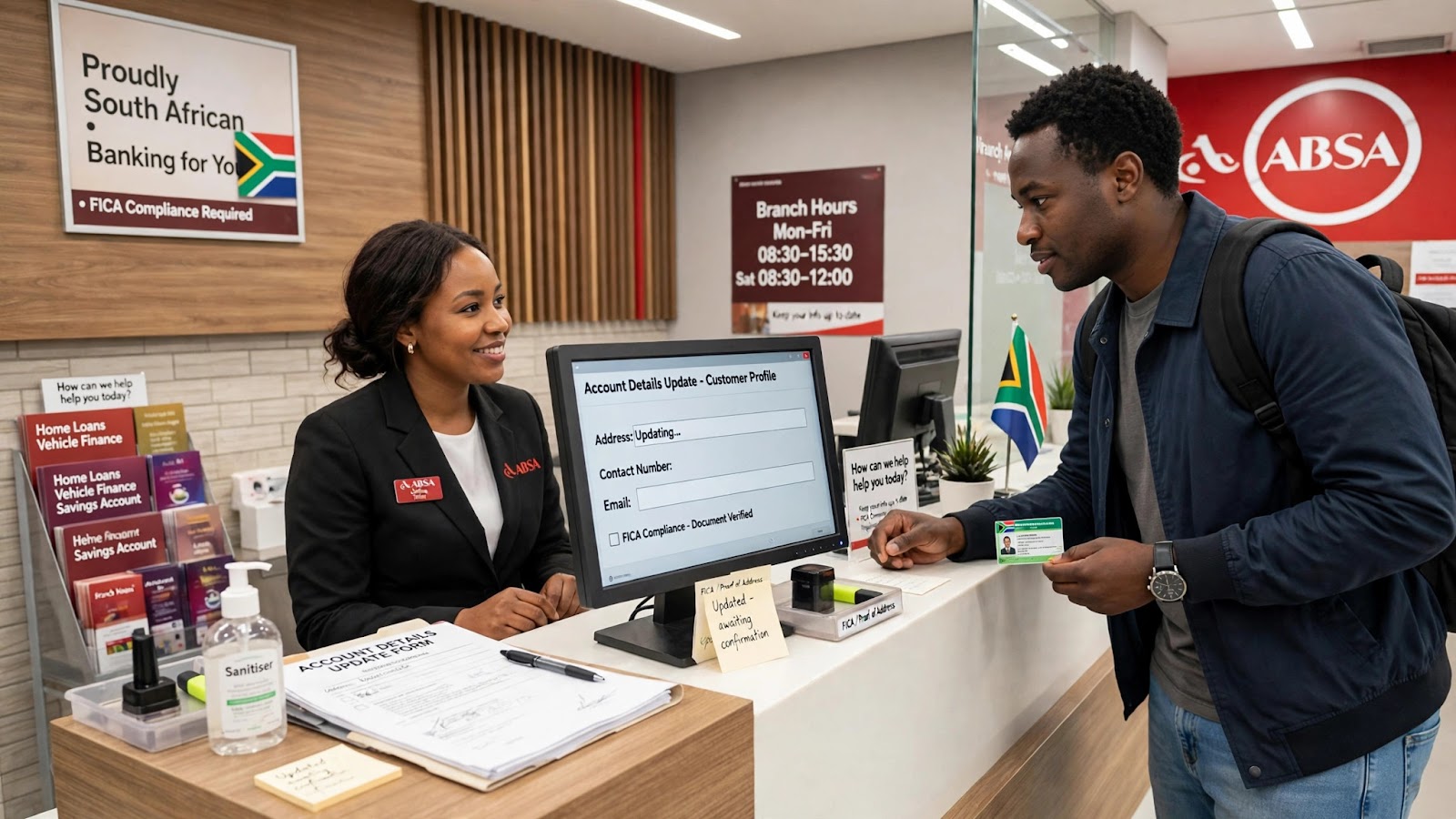
Your grant can only be paid into an account that is in your own name. An account belonging to your mother, your partner or your friend will fail verification, even if you have used it for years. The name on the bank account must match the name on your ID.
Check these three things:
- The account is open and active, not dormant or closed.
- The account holder name matches your ID exactly.
- The details saved on the SRD website are the same as the details at your bank.
If anything is wrong, update your details on the SRD website and wait for the new verification to finish. Our step-by-step post on how to change your SASSA banking details takes you through it screen by screen. Remember that a change usually takes effect from the next payment cycle, so do it as early in the month as you can.
Fix 2: Finish any identity verification SASSA asked for
If your status page asks you to verify your identity, do it straight away. Follow the instructions on the official SRD website only. SASSA will never ask you to pay for verification, and no agent or WhatsApp contact can do it for you.
Keep the cellphone number on your application active and in your name. SASSA sends PINs and payment messages to that number. If you lose the number or change it, your verification and your payment messages go to the wrong place.
Why next month can still go wrong
Here is the part nobody tells you. SASSA checks you again every single month. An approval this month does not lock in approval next month. Your bank account, your income and your other records are checked again, and the result can change.
The most common reason an approved month is followed by a declined one is money coming into your bank account. If SASSA finds income above R624 in your account for that month, the month is declined with the reason "alternative income source identified" - even if the money was a once-off gift or a loan from family. Our guide to what "alternative income source identified" means and how to fix it explains how this rule works and what you can do if the decision is wrong, including how the free appeal process works.
So while you wait for your pay date, keep your account clean and your details up to date. It protects next month as well as this one.
What not to do while you wait
- Do not reapply. You are already approved for the month. A new application can confuse your record and delay your payment even more.
- Do not pay anyone. No person can speed up your pay date. Anyone who asks for money to "unlock" your grant is a scammer.
- Do not check your status on random websites. Sites that are not the official SRD website show guesses, not your real record, and some exist only to steal ID numbers.
- Do not use someone else's pay date. Your date is personal. A date on a screenshot or a Facebook post belongs to that person, not to you.
If you are stuck and nothing above helps, phone SASSA on the toll-free number 0800 60 10 11 and keep your ID number and application details ready.
Quick questions
How long after approval does a pay date appear?
There is no fixed number of days - it depends on bank verification and the payment run. If a full payment cycle passes with no date, treat it as a banking or identity problem and work through Fix 1 and Fix 2 above.
My status changed from approved to declined. What happened?
SASSA checks every month separately. Something in the new month's check failed - most often income in your bank account above the R624 threshold. Read the reason shown next to that month, and if it is wrong, appeal for that month. Appeals are free.
Will I lose the money for a month with no pay date?
No. An approved month stays approved. Once the blockage is cleared and the pay date is created, the payment for that month is made, even if it lands later than you hoped.
Do the normal grant payment dates apply to me?
No. The monthly dates you see in the news are for the permanent grants - older persons, disability and children's grants. You can see them in our SASSA payment dates for November 2026 post. SRD dates are personal and only appear on your own status result.
The bottom line
"Approved but no pay date" means you passed the month's checks, but your payment is still waiting on scheduling, bank verification or an identity step. Check your status on the official website, make sure your bank account is in your own name, finish any verification SASSA asked for, and then give the payment run time to reach you. The approval is the hard part - and you already have it.
This guide is general information to help you understand your SRD status. It is not affiliated with SASSA. For decisions about your own application, use the official SRD website or phone SASSA on 0800 60 10 11.